How to Organize Medical Practice Operations with One Simple System
Jul 31, 2026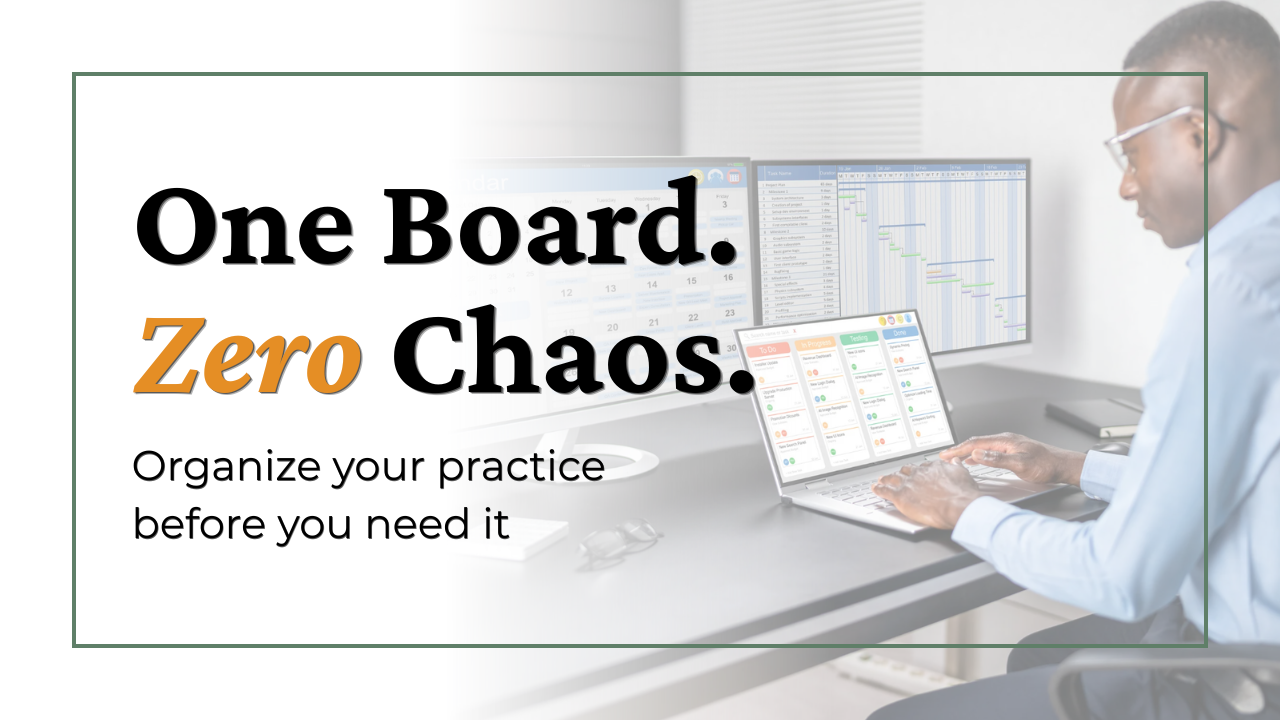
Imagine you had to rekey your office this afternoon because a team member was terminated. Where's the locksmith's contact information? Where's the key log? Who gets new copies, and how do you get them to your landlord and the fire marshal?
Or make it simpler. The toilet starts leaking at 4:30 on a Friday. Which plumber do you call? And does your manager know the pre-approved amount she can spend on an emergency, or does she have to track you down mid-clinic for permission?
In most practices, the answers exist. They're just scattered. Some live in a drawer, some in an inbox, and the most important ones live in one person's head. Nothing feels wrong until the day you need an answer in five minutes. And that day always comes.
Last week we talked about your calendar as a safety net for your future self. This week, part two of The Hyper-Organized Practice picks up the next question: where does your practice's information live?
Start with the Administration board
My answer is a Trello board. When I set up systems for a practice that has nothing, this is the board I build first, because it's the foundation. It holds the essential information about the practice itself, the building, the vendors, and the policies that protect you. Everything else runs better once this exists.
Here's how mine is organized, with five lists:
- Practice Master File for the essential facts about the practice itself
- Vendors for every company you rely on, from the locksmith to the plumber to the copier company
- Facilities for everything about the building, including things like the key log
- Insurance Policies for malpractice, workers compensation, and general liability
- Financial for the core financial reference information
What a good card looks like
Let's open the plumber's card, because this is where the board earns its keep. On that one card: the contact information, the account number, the pre-approved emergency spending amount, the service history, and the contract or rate sheet attached right to the card. Even the small notes earn their place, like “Dr. Smith uses them at her home also.” Six months from now, nobody has to remember that. The card remembers it.
Now replay that Friday afternoon. The toilet is leaking. Your manager opens the board, finds the plumber, sees the account number and the approved spending limit, and makes the call. Two minutes, start to finish. No hunting through drawers, no interrupting a provider, no waiting for permission that should have been decided long before the water hit the floor.
If the answer lives in someone's head, your practice doesn't have a system. It has a dependency.
See the board for yourself
Reading about a board is one thing. Seeing it is another. I recorded a full walkthrough on my YouTube channel, where I open the Administration board, click through the lists, show you what real cards look like, and walk through exactly how to build this for your own practice.
Start with one card this week. Pick the vendor you'd need most in an emergency and build their card: contact, account number, approved spending amount, and the contract attached. Ten minutes of setup, and that Friday afternoon question is answered forever.